WP Engine Review: Plans, Pricing, and Who It’s For

Free download: Guide to WP Engine (PDF)
by Geekett
Reviewed by Geekett
This review is based on official docs and credited reviews and wasn’t tested hands-on.
Affiliate disclosure: WpDesignerMag may earn a commission if you buy through links in this article, at no extra cost to you. This doesn’t change the price you pay, and it doesn’t mean we recommend the product.
WpDesignerMag has not tested WP Engine hands-on for this article. This review is based on WP Engine’s official plans, legal and support pages, plus the credited videos, tutorials, webinars and podcasts below. Linked third-party content may carry its creators’ own affiliate links, which have no connection to WpDesignerMag.
In this WP Engine review, we look at WP Engine’s managed WordPress hosting for small businesses, freelancers and agencies, based on official documentation and credited reviews. The clearest strength is a full set of site tools on every plan. The main trade-off is that the uptime SLA and managed firewall aren’t part of the entry plan.
Prefer to read offline? Download the free PDF, Guide to WP Engine: Free Download, a short beginner’s guide to picking a plan and getting started.
How to read this review. We keep four kinds of information apart:
- Official: facts from WP Engine’s own pages, checked on October 12, 2026.
- What the video shows: what DroidCrunch shows on screen. Only two short segments were frame-checked; the rest is the creator’s narration.
- Creator’s views: opinions from creators and podcast guests, paraphrased and credited.
- Our take: WpDesignerMag’s editorial explanation. It is not a test result.
WP Engine review: features and fit
This WP Engine review covers WP Engine’s Managed Hosting Platform for WordPress. It has three plans: Essential, Core and Enterprise. We checked all facts against WP Engine’s official website on October 12, 2026. WpDesignerMag did not test it hands-on.
Official: Every plan includes staging and development environments, daily and on-demand backups, EverCache, a Cloudflare-powered CDN, auto-renewing SSL and SSH. Essential runs on shared resources. Core and Enterprise run on isolated resources.
Our take: WP Engine suits sites where you want the host to handle updates, backups and caching for you. Before you buy, check which extras your plan really includes. The entry plan leaves out several things that reviews often describe as standard.
| Product | WP Engine Managed Hosting Platform |
| Vendor | WPEngine, Inc., Austin, Texas (Terms of Service) |
| Category | Managed WordPress hosting |
| Plans (official) | Essential, Core, Enterprise |
| Essential price (official, USD) | From $28/mo billed annually ($336 for the first year) or $35/mo billed monthly |
| Core price (official, USD) | From $400/mo billed annually ($4,800/yr). “Get in touch” to buy. |
| Enterprise price | Custom |
| 99.99% uptime SLA | Core and Enterprise only. Not on Essential. |
| Managed firewall (WAF) | Not included on Essential (paid add-on) |
| Money-back guarantee | Not confirmed on official pages. Ask WP Engine before you buy. |
| Facts checked | October 12, 2026 |
| Review type | Reviewed by Geekett. Not tested hands-on. |
| WpDesignerMag Section | NOT PROVIDED |
Feature highlights
All of the following is official, from WP Engine’s plans page and support docs, unless another source is named.
- Environments (all plans): Each site can have up to three environments: production (live), staging and development. You can copy changes between them with push and pull.
- Backups (all plans): Automatic daily backups plus on-demand backups. WP Engine says it keeps backups for “no less than 30 days and no longer than 60 days”.
- Speed tools (all plans): EverCache, WP Engine’s WordPress caching, and a global CDN “powered by Cloudflare”.
- Security (all plans): Auto-renewing SSL, SSH access, security patching, plugin risk scans and Layer 3+4 DDoS protection.
- Managed firewall (add-on): “Advanced DDoS & managed WAF” is an optional add-on on Essential. The Enterprise plan card lists it as part of Enterprise. The comparison table shows it as an add-on on Core too. Ask WP Engine whether it is included on your plan.
- Uptime SLA: The 99.99% SLA is included on Core and Enterprise. It is “Not included” on Essential.
- Free migration plugin (Essential): WP Engine lists a “Free automated migration plugin”. Core adds managed migration services.
- Site building: 10 premium themes, Genesis Blocks and transferable sites, so agencies can build a site and hand it to a client.
- Paid extras on Essential: Smart Plugin Manager (AI-powered plugin and theme updates, $120/yr), uptime monitoring and NitroPack front-end optimization. Core and Enterprise include one license of each.
Plan comparison
Official, from WP Engine’s plans page, checked October 12, 2026. Prices in USD; taxes and overages may apply.
| Feature | Essential | Core | Enterprise |
|---|---|---|---|
| Price | From $28/mo (annual, first year) or $35/mo (monthly) | $400/mo billed annually ($4,800/yr) | Custom |
| Sites | 1 to 30 | 30 to 50 | 50+ |
| Visits a month (estimates) | 25,000 to 400,000 | 400,000 to 800,000 | 800,000+ |
| Storage | 10 to 50 GB | 50 GB to 2 TB | 2 TB+ |
| Bandwidth a month | 75 GB (up to 550 GB by size) | 550 GB | 550 GB+ |
| Resources | Shared | Isolated | Isolated |
| Staging and dev environments | ✓ | ✓ | ✓ |
| Daily and on-demand backups | ✓ | ✓ | ✓ |
| EverCache and Cloudflare CDN | ✓ | ✓ | ✓ |
| SSL, SSH, Layer 3+4 DDoS | ✓ | ✓ | ✓ |
| 99.99% uptime SLA | ✗ | ✓ | ✓ |
| Advanced DDoS and managed WAF | Add-on | Add-on (table) | Listed on plan card |
| Smart Plugin Manager | Add-on | 1 license | 1 license |
| Uptime monitoring | Add-on | 1 license | 1 license |
| Support | 24/7 technical support | Priority support on the plan card (see note) | 1-minute target response times |
Support note: the Core plan card mentions “priority support”, but the comparison table lists “Premium onboarding & priority support” as an optional add-on on Core and Enterprise. Ask WP Engine what your plan includes.
Essential sizes (official, USD):
| Size | Visits a month | Storage | Bandwidth | Monthly | Annual |
|---|---|---|---|---|---|
| 1 site | 25,000 | 10 GB | 75 GB | $35/mo | $336/yr ($28/mo) |
| Up to 3 sites | 75,000 | 15 GB | 150 GB | $65/mo | $624/yr ($52/mo) |
| Up to 10 sites | 100,000 | 20 GB | 240 GB | $130/mo | $1,248/yr ($104/mo) |
| Up to 30 sites | 400,000 | 50 GB | 550 GB | $330/mo | $3,168/yr ($264/mo) |
An extra site costs $20 a month. The comparison table lists 75 GB of bandwidth for Essential, while the size options list 75 to 550 GB. We report both as shown.
Plan names. The plans page uses Essential, Core and Enterprise. Older videos, including the featured one, use names like Startup. Treat those as outdated, and check the size names shown at checkout.
How the features help
Our take, based on official information. Results still depend on your theme, plugins and content.
- Safer changes: Staging lets you test a new theme or plugin away from your live site, then push it live.
- Recovery: Daily and on-demand backups help you roll back mistakes.
- Client work: Transferable sites and multiple environments suit freelancers and agencies.
- Speed: Caching and the CDN are built in. No host can promise a fast site if the site itself is heavy.
Featured review video
WP Engine Review 2026: Is this Managed WordPress Hosting Worth it?, by DroidCrunch. Published January 16, 2026. Length: 19:01.
What this video is (our take): A walkthrough of a newly bought WP Engine account. The creator asks viewers to buy through his own link, which we don’t share. We rate our confidence in it as medium-low. We use it only for its tour of the User Portal and environments.
Why it’s worth watching (our take): It shows the real portal: adding sites, creating staging and dev copies, and the tools on each environment.
What it shows (approximate times from auto-captions and chapters):
- ~6:38 to 7:20: The dashboard, with plugin, theme, WordPress and PHP cards and storage use.
- ~7:41 to 9:27: The add-site options: build new, migrate, copy an environment or accept a transfer.
- ~9:27 to 10:52: Creating a sandbox, or choosing staging, development or production.
- ~11:14 to 13:00: Environment tools: backups, SFTP, phpMyAdmin, cache and push or pull between environments.
- ~13:54 onward: Pricing. The researcher frame-checked two short segments, at ~5:05 (plan purchase) and ~14:00 (plans page).
DroidCrunch’s view (paraphrased): He finds WP Engine powerful but “not for everyone”. He likes the managed security and easy staging. He calls the pricing page confusing for first-time buyers. He promises to cover cons but lists no real ones, and he shows no speed test.
Where the video differs from official information. In each case, this article uses the official information.
- Price: The video says Essential costs about $25 a month (about $300 a year). Officially it’s $28 a month billed annually ($336) or $35 billed monthly.
- Uptime: The video cites 99.99% uptime as if it applied to every plan. Officially the 99.99% SLA is Core and Enterprise only.
- Firewall: The video implies a managed WAF is standard. Officially it’s an add-on on Essential.
Best for / May not suit
Best for (our take, from the official feature list):
- Small businesses that want a managed host to handle updates, backups and caching.
- Freelancers and agencies who need staging, dev copies and transferable sites.
- Higher-traffic or business-critical sites that need an uptime SLA, on Core or Enterprise.
May not suit (our take):
- Budget beginners. It costs more than typical shared hosting, and the first-year discount doesn’t apply to renewals.
- Essential buyers who expect an uptime guarantee or a managed firewall. Those need a higher plan or a paid add-on.
- Anyone who wants a clear money-back guarantee. We couldn’t confirm one.
Things to know before you buy: the WP Engine and Automattic dispute
Since September 2024, WP Engine and Automattic, the company led by WordPress co-founder Matt Mullenweg, have been in a public dispute. It is now a federal lawsuit: WPEngine, Inc. v. Automattic Inc., No. 4:24-cv-06917 (N.D. Cal.). As of October 2026, the case is ongoing, with claims and counterclaims on both sides.
Timeline (from the court docket and The Repository’s reporting, checked October 18, 2026):
- September 25, 2024: WordPress.org blocks WP Engine, cutting off WordPress.org updates for the sites it hosts.
- October 2, 2024: WP Engine sues Automattic and Mullenweg in the Northern District of California.
- December 2024: The court grants WP Engine a preliminary injunction ordering Automattic and Mullenweg to restore WP Engine’s WordPress.org access. The Repository reports that they complied.
- September 24, 2026: The court finds WP Engine’s antitrust claims viable, reversing its earlier ruling, and dismisses its extortion (CFAA) claim without leave to amend. Automattic’s trademark counterclaims mostly survive.
- October 13, 2026: The court denies Automattic’s request for about two more months, so the current deadlines stand: expert witness questioning ends November 17, 2026, and the first summary judgment arguments are due November 20, 2026 (The Repository, October 16, 2026).
- October 19, 2027: A 10-day jury trial is currently scheduled for this date.
Update, October 19, 2026: There has been no new court ruling since October 13. The written order on WP Engine’s sanctions request, which the judge said on October 7 he would issue shortly, has not come out yet. On October 19, Fortune reported on the failed September 9 vote by Automattic’s board to put Mullenweg on leave, and on staff departures at Automattic. Fortune linked both to the WP Engine dispute: it reported that former employees and court filings show a company divided over Mullenweg’s fight with WP Engine, and that the disagreement has led to the departure of 159 staff so far.
Automattic and Mullenweg deny WP Engine’s allegations; Automattic has called them “gross mischaracterizations of reality”. WP Engine says its claims show harm to competition. Neither side’s claims have been decided at trial.
What independent podcasts said at the start:
- ShopTalk Show #636 (October 7, 2024): The hosts explain the dispute for web developers, including the WordPress.org block and its effect on WP Engine customers’ plugin and security updates.
- The WP Minute livestream (September 27, 2024): Independent hosts react as WP Engine sites lose plugin updates. Matt Mullenweg joins for about five minutes and gives his side’s view, including about trademarks. These are one party’s claims, not established facts.
- WP Builds #398 (November 14, 2024): Nathan Wrigley and Rae Morey of The Repository recap the first three months, including sites moving to other hosts.
- WP Builds #409 (February 13, 2025): The same pair cover the legal developments at that point.
Our take: The case is still moving, and court dates can change. Check the latest status before you decide, and ask WP Engine how plugin and theme updates work for its customers today.
Pros and cons
| Pros | Cons |
|---|---|
| Official: Staging, dev environments and daily backups on every plan. | Official: The 99.99% uptime SLA isn’t on Essential. |
| Official: EverCache and a Cloudflare CDN on every plan. | Official: The managed firewall is a paid add-on on Essential. |
| Official: Free migration plugin on Essential. | Official: The annual discount is first-year only; renewal price isn’t shown. |
| Official: 24/7 technical support on Essential. | Not found: A money-back guarantee on the official pages we checked. |
| Official: Transferable sites for client work. | Official: Core starts at $4,800 a year; Enterprise is custom. |
| DroidCrunch’s view: Powerful, with easy staging. | DroidCrunch’s view: The pricing page is confusing. |
Quick summary: Pros are strong site tools on every plan, built-in caching and CDN, and agency-friendly environments. Trade-offs are the extras held for higher plans or add-ons, an unclear renewal price and no confirmed money-back guarantee.
Performance and ease of use
WpDesignerMag did not test WP Engine hands-on. This section reports only documented facts and credited creator observations.
- Setup (official): You add sites in the User Portal. Moving an existing site uses the free WP Engine Site Migration plugin.
- Setup time: Not tested.
- Learning curve: Not tested. DroidCrunch’s view: the portal is easy, but the pricing page is confusing.
- Documentation (official): A large support library, with many pages updated in 2026. Some pages still use older plan names. We did not judge the depth.
Performance
- Official: EverCache and a Cloudflare CDN on every plan. NitroPack optimization is an add-on on Essential.
- Creator’s claims: DroidCrunch calls the speed “unmatched” but shows no test.
- Our measurements: None. Not tested, so we don’t report speed numbers.
Uptime
- Official (plans page): The “99.99% SLA” is included on Core and Enterprise and is “Not included” on Essential.
- Official (SLA page, updated May 12, 2021): The standard target is 99.95% availability. An “Enhanced SLA” target is 99.99%. Credits are 5% of monthly fees per full hour over the target, requested within 30 days. The SLA page we checked doesn’t confirm which plans the 99.95% target covers, so ask whether it applies to Essential.
- Our measurements: None. Not tested.
Support
- Official: Essential lists “24/7 technical support”. The Core card mentions priority support, but the comparison table lists “Premium onboarding & priority support” as an add-on on Core and Enterprise. Enterprise lists “1-minute target response times”.
- Official: The support page says to log in to your account to chat with the support team. The contact page says help is “Available 24/7/365”.
- Not found: Support channels and response times by plan, including Essential. Ask WP Engine what to expect on your plan.
- Our test: None. Support is not rated in this review.
Pricing quick glance
Official, from WP Engine’s plans page, checked October 12, 2026. Prices in USD.
- Essential, 1 site: $35/mo billed monthly, or $336/yr ($28/mo) billed annually.
- Essential, up to 3 sites: $65/mo, or $624/yr.
- Essential, up to 10 sites: $130/mo, or $1,248/yr.
- Essential, up to 30 sites: $330/mo, or $3,168/yr.
- Core: $400/mo billed annually (“Pay $4,800.00 today”). You “Get in touch” to buy. Core is sold annually on the plans page; ask about monthly billing.
- Enterprise: Custom pricing.
The annual price is a first-year deal. The page says the annual price “includes promotional discount” and that first-year pricing is for “new customers purchasing Essential plans only”. It is “not valid for upgrades, renewals”. WP Engine says “Product renewal pricing subject to change”. WP Engine doesn’t show the renewal price; ask before you buy.
| Essential, 1 site | First year | Paying monthly for 12 months |
|---|---|---|
| Cost | $336 (annual, promotional) | $420 (12 × $35) |
Our arithmetic from the official prices, before tax.
- Money-back guarantee: Not confirmed on official pages. The Terms of Service (updated January 1, 2026) say fees “are not refundable except as expressly stated”. We found no money-back guarantee on the plans page or in the Terms. Third-party sites claim one, but they disagree, so we don’t repeat their claims.
- Auto-renewal (official): Plans renew automatically for the same term unless you give notice at least 30 days before the term ends.
- Add-ons (official): Extra site $20/mo. Smart Plugin Manager $120/yr on Essential. Global Edge Security $420/yr, NitroPack $240/yr and Site Monitoring $60/yr, as shown on the Essential page.
- Other currencies: The plans page also offers GBP, EUR, CAD and AUD. We checked USD only.
Prices are shown as checked on October 12, 2026, in USD. Confirm current terms before purchase.
Link to the official site. Confirm current prices at checkout.
Build Along Resources
Five of these step-by-step videos are made by WP Engine (the vendor). The last is by an independent creator who uses an affiliate-style link.
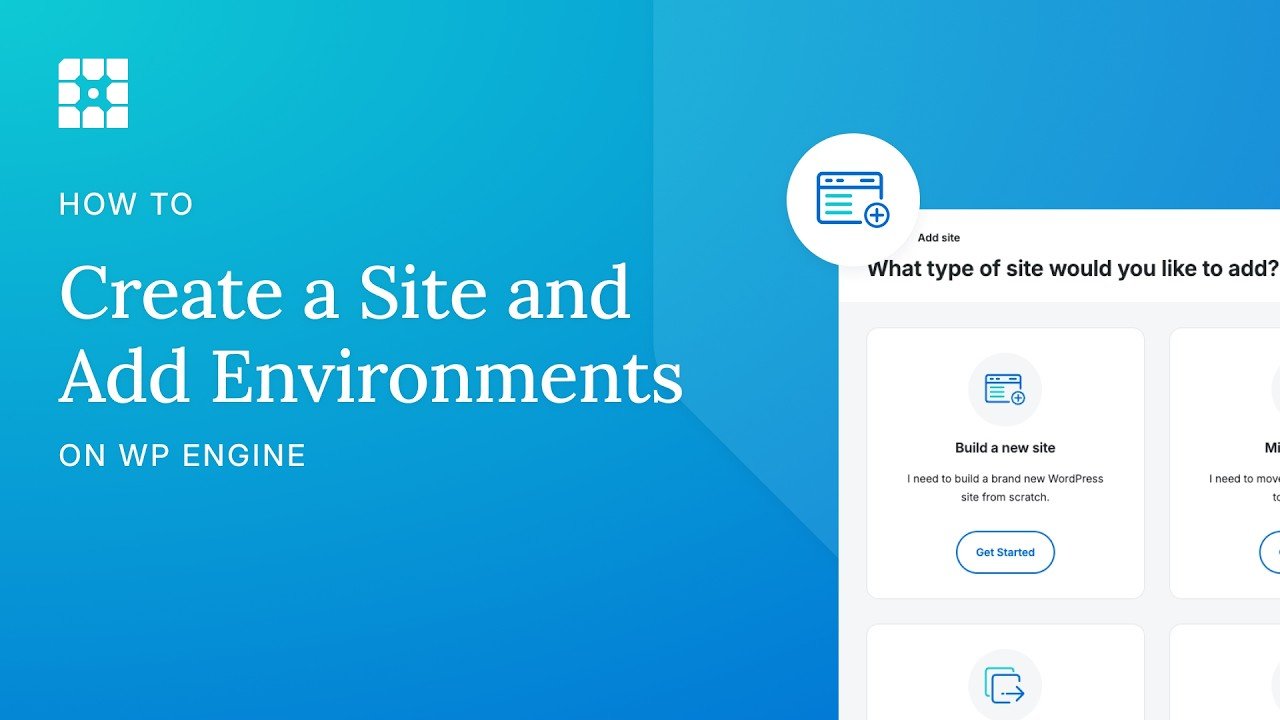
How to add Sites and Environments on WP Engine by WP Engine (Aug 26, 2026, 4:11). Current portal. All plans.
– 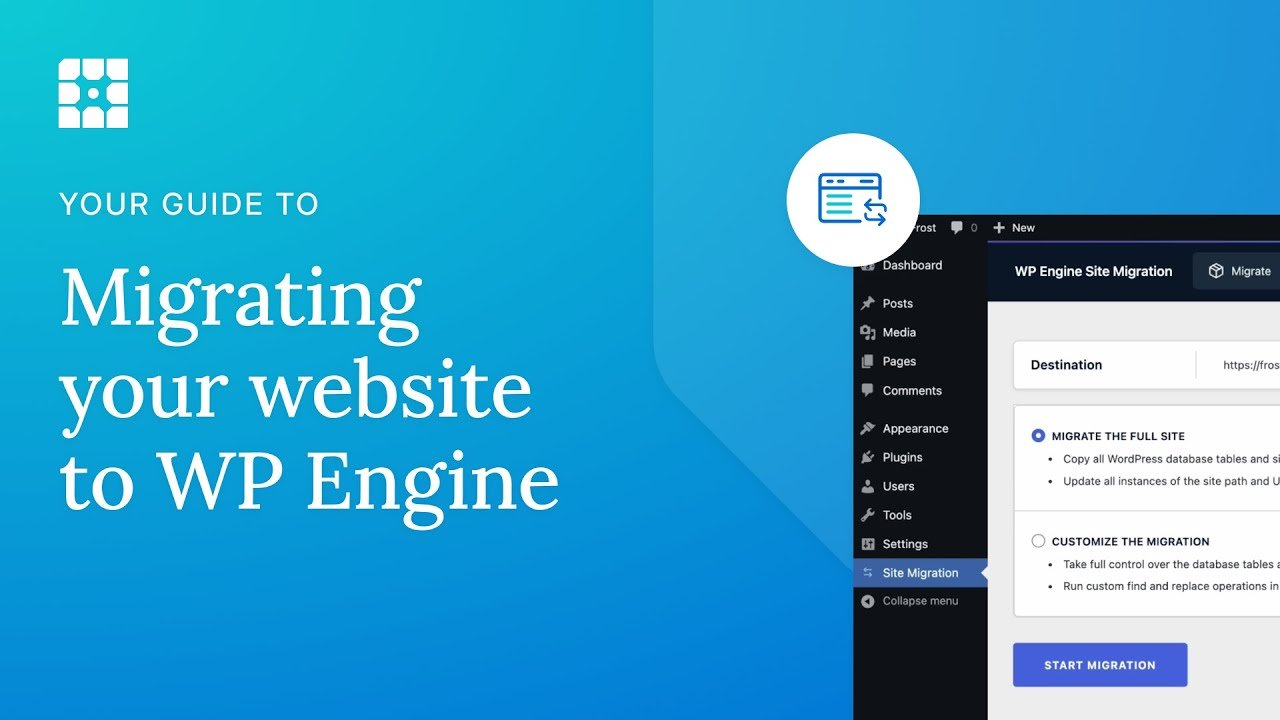
How to Migrate a WordPress Site to WP Engine using the Site Migration Plugin by WP Engine (Aug 6, 2025, 2:24). The plugin is now called WP Engine Site Migration.
– 
How to add your domain to the WP Engine User Portal and set it as the primary domain by WP Engine (Jul 23, 2026, 2:30). All plans.
– 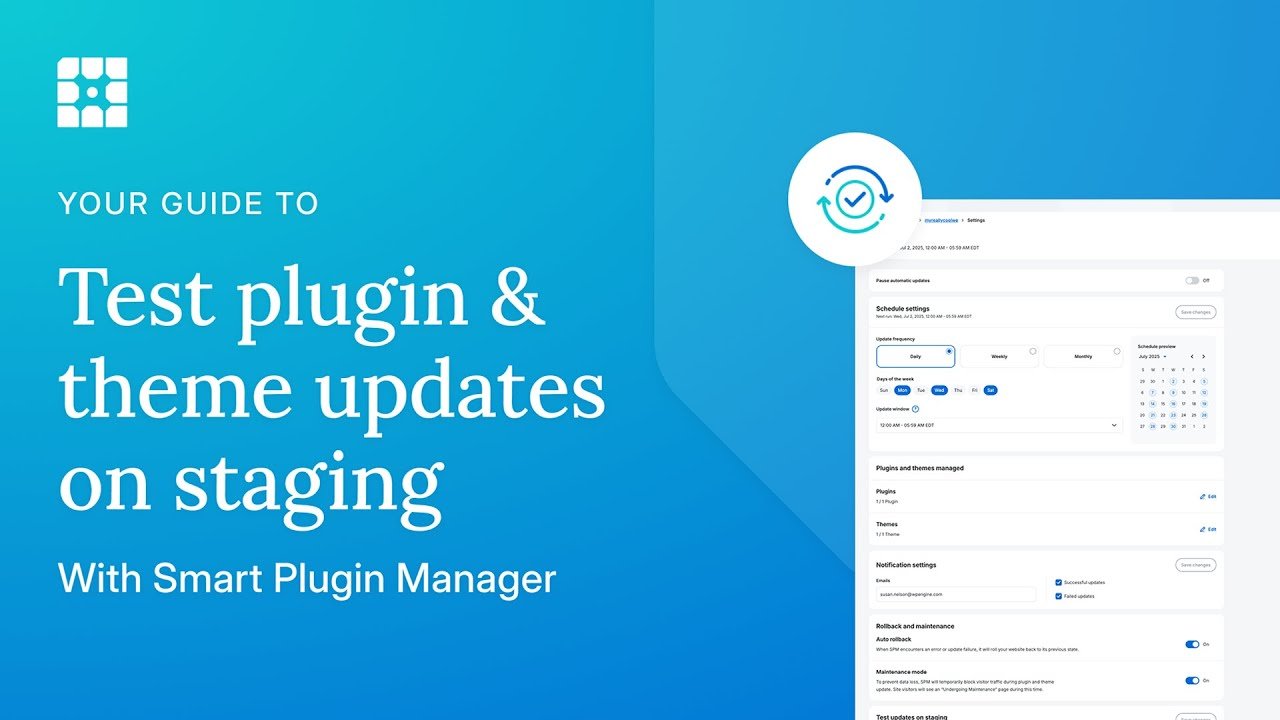
How to test plugin and theme updates on staging with Smart Plugin Manager by WP Engine (Jul 2, 2025, 6:37). Smart Plugin Manager is a $120/yr add-on on Essential.
– 
How to Set Up a Local WordPress Site in 30 Seconds (Full Walkthrough) by WP Engine (Jul 15, 2025, 2:35). Local is WP Engine’s free tool; no plan needed.
– 
How to Use WP Engine Staging + Backups to Safely Redesign a WordPress Site by My First Website (Jan 30, 2026, 8:08). Independent; the description has an affiliate-style link and promo wording.
Written reference: How to Copy Environments via Push or Pull (WP Engine Support, updated Sep 29, 2026).
Webinars & Replays
All three feature WP Engine and promote its products. The third is a sponsored livestream on a community channel.
WP Engine Product Showcase: 2025 Breakthroughs & 2026 Momentum by WP Engine (Dec 10, 2025, 40:53). Vendor webinar on the product roadmap.
– 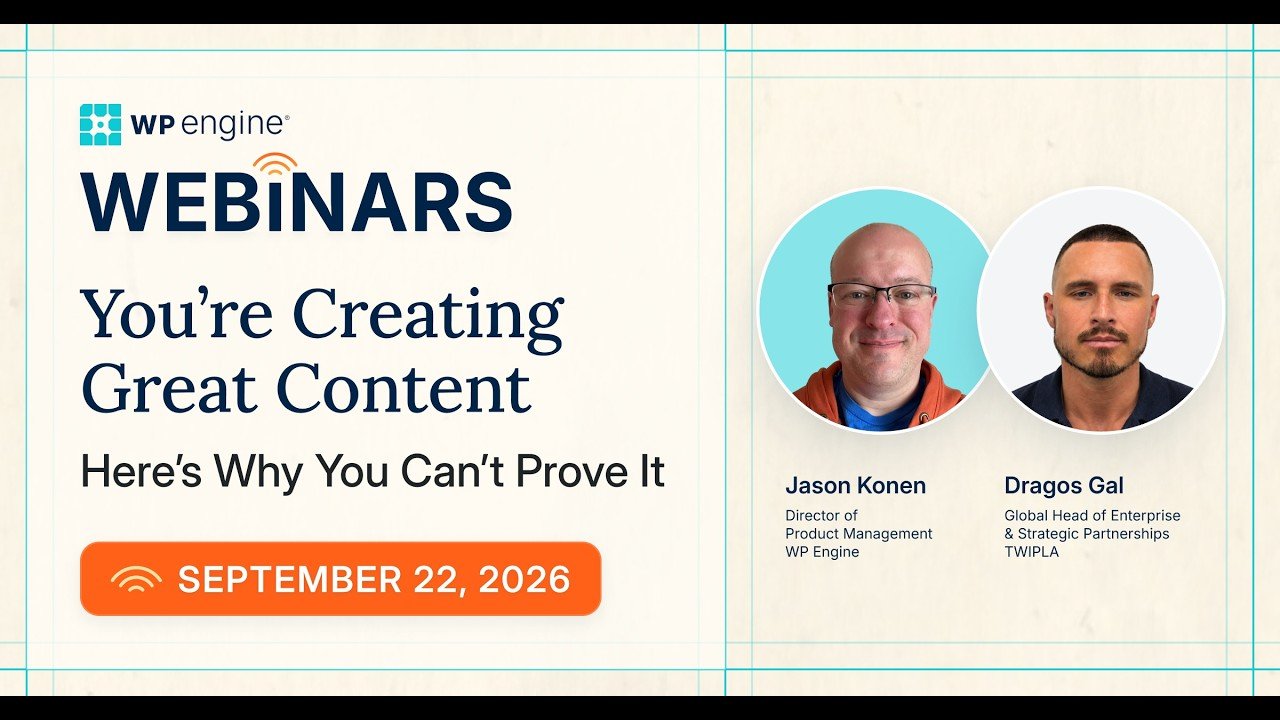
You’re Creating Great Content. Here’s Why You Can’t Prove It. by WP Engine (Sep 22, 2026, 47:16). A content strategy webinar, not a hosting how-to.
– 
Designing Accessibility into WordPress Products with WP Engine by WP Accessibility Day (Sep 29, 2026, 49:49). Sponsored by WP Engine; about its Newsroom product.
Podcast Discussions
We found no independent podcast that reviews WP Engine’s hosting itself. These four independent episodes cover the 2024 dispute. Automattic is the other party, so its CEO’s appearance on The WP Minute gives one side directly.

636: W Hot Drama Week (WordPress, WP Engine, and Web Components, Oh My!) on ShopTalk Show with Chris Coyier and Dave Rupert (Oct 7, 2024). Independent.
– 
Automattic vs WP Engine on The WP Minute with Matt Medeiros (livestream, Sep 27, 2024, 1:07:45). Independent hosts; Matt Mullenweg joins for about five minutes.
– 
398: What just happened? Episode 2. An uneventful 3 months on WP Builds with Nathan Wrigley and Rae Morey (Nov 14, 2024, 1:18:00). Independent.
– 
409: What just happened? Episode 3. Funding, acquisitions, legal and events on WP Builds (Feb 13, 2025, 1:22:32). Independent.
In a nutshell
Our take: WP Engine makes the most sense for small businesses, freelancers and agencies who want staging, backups and caching handled on every plan.
Check the plan limits first. The 99.99% uptime SLA comes with Core and Enterprise, not Essential. The managed firewall is a paid add-on on Essential.
Budget carefully. The annual Essential price is a first-year deal, and WP Engine doesn’t show the renewal price. We also couldn’t confirm a money-back guarantee, so ask before you buy.
Guide to WP Engine: Free Download (PDF)
A short beginner’s guide: which plan to pick, a getting-started checklist, the key features explained simply, and the resource library with links.
Rating
WP Engine research-based rating: 3.6/5 (★★★★☆, shown as 4 stars). This rating is research-based and not hands-on tested: strong site tools on every plan, held back by extras reserved for higher plans, an unclear renewal price and no confirmed money-back guarantee.
We scored each category from 1 to 5 using official information and the credited sources only. WpDesignerMag did not test WP Engine hands-on, and nobody tested its support, so Support is not rated.
| Category | Template weight | Score (1 to 5) | Evidence-based reason |
|---|---|---|---|
| Feature set | 40% | 4.0 | Staging, dev, backups, caching and CDN on every plan; SLA, managed WAF and plugin updates held back on Essential. |
| Ease of use | 20% | 3.5 | Official migration plugin and portal tools; DroidCrunch shows an easy portal but calls the pricing confusing. |
| Value | 20% | 3.0 | From $28/mo for year one, but renewal isn’t shown, key extras cost more and no money-back guarantee was confirmed. |
| Support | 20% | Not rated | Not tested; officially 24/7 technical support on Essential; Core support wording conflicts. |
How the weights were redistributed: Support’s 20% was removed, leaving 80% across the three rated categories. Each remaining weight was divided by 80%:
- Feature set: 40% ÷ 80% = 50%
- Ease of use: 20% ÷ 80% = 25%
- Value: 20% ÷ 80% = 25%
Weighted score: (4.0 × 0.50) + (3.5 × 0.25) + (3.0 × 0.25) = 2.0 + 0.875 + 0.75 = 3.625, rounded to 3.6 out of 5.
Ready to compare plans? Check what your plan includes before you buy.
Link to the official site. Confirm current prices at checkout.
Frequently asked questions
How much does WP Engine cost?
As checked on October 12, 2026, Essential starts at $28/mo billed annually ($336 for the first year) or $35/mo billed monthly, in USD. Core is $400/mo billed annually ($4,800/yr), and Enterprise is custom.
Does WP Engine’s Essential plan include the 99.99% uptime SLA?
No. WP Engine’s plans page lists the 99.99% SLA as included on Core and Enterprise and not included on Essential.
Does WP Engine include a firewall?
Every plan includes Layer 3+4 DDoS protection. The advanced DDoS and managed WAF option is a paid add-on on Essential.
Does WP Engine have a money-back guarantee?
We couldn’t confirm one. WP Engine’s Terms of Service say fees are not refundable except as expressly stated, so ask WP Engine before you buy.
Does WP Engine include staging?
Yes. Every plan includes one-click staging and development environments. Each site can have up to three environments.
What happened between WP Engine and Automattic?
Since September 2024 the two companies have been in a public dispute that is now a federal lawsuit. WordPress.org blocked WP Engine in September 2024, and a December 2024 preliminary injunction restored its access. As of October 2026 the case is ongoing, with a jury trial set for October 2027.
Source Notes
WpDesignerMag did not test WP Engine hands-on for this article. Sources, and which facts came from each (all checked October 12, 2026, PT):
- WP Engine plans page: https://wpengine.com/plans/. Plan names, Essential sizes and USD prices, first-year offer terms, features by plan, SLA and firewall by plan, add-ons, support level by plan.
- WP Engine Service Level Agreement (updated May 12, 2021): https://wpengine.com/legal/sla/. 99.95% standard target, 99.99% Enhanced SLA, credits.
- WP Engine Terms of Service (updated January 1, 2026): https://wpengine.com/legal/terms-of-service/. Refund wording, auto-renewal and 30-day notice, renewal at then-current rates, company name.
- WP Engine support and contact pages: https://wpengine.com/support/ and https://wpengine.com/contact/. 24/7 chat after login; “Available 24/7/365”.
- WP Engine support docs: environments (https://wpengine.com/support/environments/), backups (https://wpengine.com/support/restore/), migration plugin (https://wpengine.com/support/wp-engine-site-migration/), copy environments (https://wpengine.com/support/copy-site/).
- Court record: WPEngine, Inc. v. Automattic Inc., No. 4:24-cv-06917 (N.D. Cal.), docket on CourtListener: https://www.courtlistener.com/docket/69221176/wpengine-inc-v-automattic-inc/. Filing date, parties and claims. The Sep 24, 2026 order (Dkt. 410), which dismisses Count 3, the CFAA (18 U.S.C. § 1030(a)(7)) extortion claim, without leave to amend: https://storage.courtlistener.com/recap/gov.uscourts.cand.437474/gov.uscourts.cand.437474.410.0.pdf. The Repository’s report on the order also describes it as the “Computer Fraud and Abuse Act claim alleging extortion”. Deadlines: The Repository, “Automattic’s New Lawyers Lose Bid for More Time in Legal Fight With WP Engine” (October 16, 2026): https://www.therepository.email/automattics-new-lawyers-lose-bid-for-more-time-in-legal-fight-with-wp-engine.
Independent news: The Repository, “WP Engine v. Automattic, Two Years On: Where the WordPress Drama Stands” (October 2, 2026): https://www.therepository.email/wp-engine-v-automattic-two-years-on-where-the-wordpress-drama-stands. Timeline, the December 2024 injunction, the September 24, 2026 ruling and the trial date.
Each side’s statements: Automattic, “Response to WP Engine’s Meritless Lawsuit” (October 3, 2024): https://automattic.com/2024/10/03/meritless/. WP Engine, “Ensuring Stability and Security” (legal updates page): https://wpengine.com/blog/ensuring-stability-and-security/.
Independent podcasts: ShopTalk Show #636, The WP Minute livestream, WP Builds #398 and #409 (links above). 
Featured video: “WP Engine Review 2026: Is this Managed WordPress Hosting Worth it?” by DroidCrunch, published January 16, 2026.
Used for the portal walkthrough and the creator’s paraphrased views. Times come from auto-captions and chapters. The researcher frame-checked two short segments only. No transcript text is reproduced beyond short quotes. The creator’s affiliate link is not used.
8. WpDesignerMag research files (internal, October 12, 2026): product record, video research and evidence pack, learning content research, podcast research and writer facts.
Video-versus-official conflicts noted in this article: Essential price, the uptime SLA and the firewall. In each case, the official information is used.